
Fill Out Form I‑9, Employment Eligibility Verification, in Minutes with AI
Stop worrying about errors when verifying employment eligibility. Upload your I‑9 PDF, answer simple questions about employee information, work authorization, and supporting documents, and Simplicity AI fills every required field accurately. Review, sign, and export a clean I‑9 ready for your HR or compliance file.

AI converts your I‑9 into an interactive, guided form, eliminating confusion over multiple sections and complex checkboxes.
Upload employee identity and work authorization documents, and AI auto-fills document numbers and expiration dates.
Whether hiring one employee or 50, complete all forms correctly, reduce errors, and stay compliant with USCIS rules.
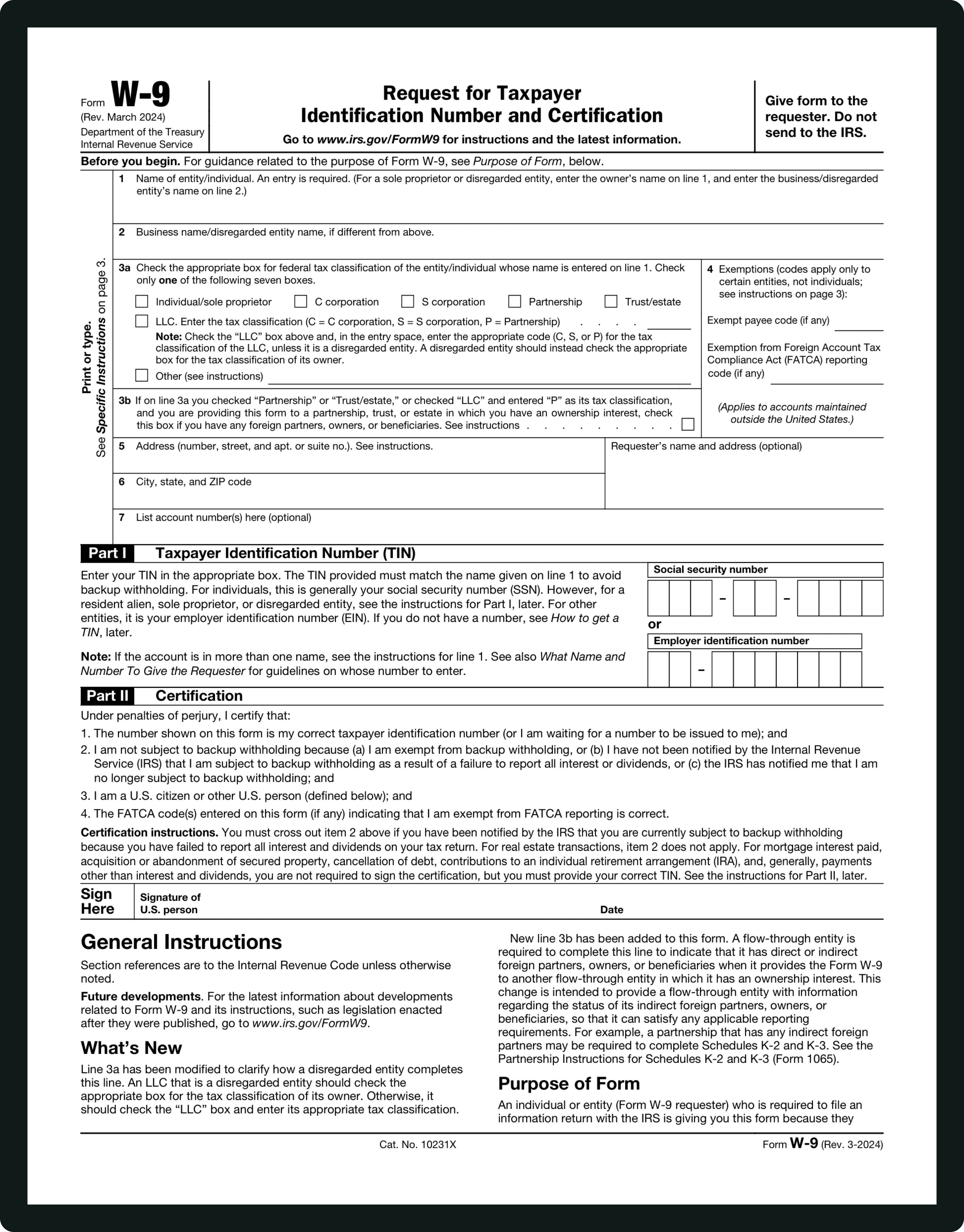
Form INFORMATIONS
Section 1 — Employee Information and Attestation:
Employee's full legal name, other names used (if applicable), address, date of birth, Social Security Number (if provided), and contact information. Employees must attest to citizenship or immigration status: U.S. citizen, noncitizen national, lawful permanent resident, or alien authorized to work. Incorrect attestation can result in fines for both employer and employee. AI flags missing or inconsistent entries.
Employee Signature and Date / Preparer or Translator Certification:
Employees must sign and date Section 1 to certify accuracy. Unsigned or improperly dated forms are incomplete and noncompliant. If someone assisted the employee, that person must complete the preparer/translator certification with full name, address, and signature. AI ensures the signature step is completed and flags the certification section when assistance was used.
Section 2 — Employer Review and Verification:
Employers must review original documents presented by the employee. Acceptable documents: List A (identity and employment eligibility), List B (identity only), List C (employment eligibility only). Enter document title, issuing authority, document number, and expiration date. AI guides selection of the correct list and auto-fills from uploaded documents. The employer signs and dates Section 2, attesting that the employee appears authorized to work and that documents have been reviewed.
Section 3 — Reverification and Rehires:
For employees whose work authorization expires or who are rehired within three years, Section 3 must be completed to update document information. AI prompts for new expiration dates, document numbers, and the reviewing employer official's signature.
WHAT IS FORM I‑9?
What Is Form I‑9 and Who Needs to Fill It Out?
Form I‑9, officially called "Employment Eligibility Verification," is how employers verify the identity and work authorization of employees hired in the United States. Every employee, whether full-time, part-time, or temporary, must complete Section 1 on or before their first day of employment, and employers must complete Section 2 within three business days.
You need to complete or manage an I‑9 if: you are a new employee starting work in the U.S. (citizen or noncitizen); you are an employer hiring for federal, state, or private positions subject to verification requirements; you are an HR professional responsible for compliant employment records; or you are rehired within three years of a previous I‑9 completion.
Although the form is only three pages, matching identity documents, correctly entering document numbers, and ensuring proper signatures often trip people up. Simplicity AI guides every field and helps ensure compliance.
How to Fill Out Form I‑9 Online in 6 Simple Steps
1
Upload your I‑9 PDF to Simplicity AI. The AI converts the form into a guided, interactive questionnaire for both employee and employer sections.
2
Enter employee information in Section 1, including full legal name, address, date of birth, Social Security Number (if applicable), and attestation of citizenship or immigration status. AI flags missing or inconsistent entries.
3
If a preparer or translator assisted the employee, fill in the Section 1 certification fields. AI ensures all required fields are completed.
4
Upload employee identity and work authorization documents. AI reads document titles, numbers, and expiration dates and accurately auto-fills Section 2.
5
The employer reviews all information, completes the Section 2 certification, and signs electronically. AI ensures the employer's attestation aligns with the documents and employee entries.
6
For employees with expiring work authorization or who are rehiring, complete Section 3. Review the entire form for accuracy, then export it as a clean, compliant PDF ready for HR or government review.
Super Fast
Complete I‑9 forms in minutes, even for multiple employees, without switching tabs or manually checking document lists.
AI-Powered
Simplicity AI understands the I‑9 structure, mapping every field from employee details to document verification and employer certification.
Secure
Employee Social Security Numbers, immigration statuses, and document numbers are encrypted and private. Your I‑9s remain confidential and compliant with DHS/USCIS requirements.
FAQs
Form I‑9: Frequently Asked Questions
Who must complete Form I‑9?
All employees hired to work in the United States must complete Form I‑9. Employers must retain the completed form for each employee.
What documents can employees use to prove identity and employment authorization?
Employees may present a single List A document (proving both identity and work authorization), or a combination of List B (identity) and List C (employment authorization) documents.
Can Form I‑9 be submitted electronically?
Yes. Electronic completion using tools such as Simplicity AI is accepted if it captures signatures, preserves data integrity, and meets DHS/USCIS recordkeeping standards.
How long must I retain I‑9 forms?
Employers must retain I‑9 forms for three years after the hire date or one year after employment ends, whichever is later.
What happens if I make a mistake on the I‑9?
Errors can trigger fines and compliance issues. AI helps prevent mistakes by validating fields, matching document numbers, and ensuring proper dates and signatures.
Can AI fill I‑9 forms for multiple employees at once?
Yes. Simplicity AI supports batch uploads and guided completion for multiple employees, maintaining accuracy and compliance.
Common Mistakes in Completing Form I-9
Missing or Incorrect Employee Information
Employees often enter incorrect names, addresses, or Social Security Numbers. AI flags discrepancies and ensures Section 1 aligns with HR records.
Selecting Wrong Citizenship/Immigration Status
Misselecting attestation can cause noncompliance. AI guides employees through plain-English questions to select the correct option.
Document Mismatches in Section 2
Entering the wrong document title, number, or expiration date triggers DHS compliance issues. AI reads uploaded documents and auto-fills all required fields.
Unsigned Forms
Unsigned I‑9s are invalid. AI enforces signature steps for both employee and employer before export.
Failure to Complete Section 3 for Rehires
Employees rehired within three years require Section 3 updates. AI prompts for this when a previous I‑9 exists and ensures proper entry.
Not Maintaining Records Properly
Retention and storage errors are common. AI helps track forms, export compliant PDFs, and organize records for HR audits.
POPULAR FORMS
Popular forms ready for you to fill Instantly
Find commonly used government, legal, and official documents, already optimized for fast, stress-free filling with Simplicity AI. We’ve made them easier, smarter, and faster so you can move on with your day.
Tax Forms
Immigration Forms
Healthcare Forms
Employment Forms
Legal Forms
Motor Vehicle Forms
Experience instant PDF form filling with AI
