
Fill Out Your W‑2, Wage and Tax Statement, in Seconds with AI
Stop retyping your employer, wage, and tax withholding information every year. Upload your payroll data, answer a few plain‑English questions, and Simplicity AI fills every field accurately. Review, sign, and export a clean W‑2 ready for filing with the SSA and your employee.

AI converts your W‑2 into a smart, interactive form. No manual tapping, zooming, or aligning fields on the PDF.
Upload your payroll report or previous W‑2, and AI auto‑fills the new one instantly.
Enter your details once. Reuse them every year for W‑2s and related tax forms.
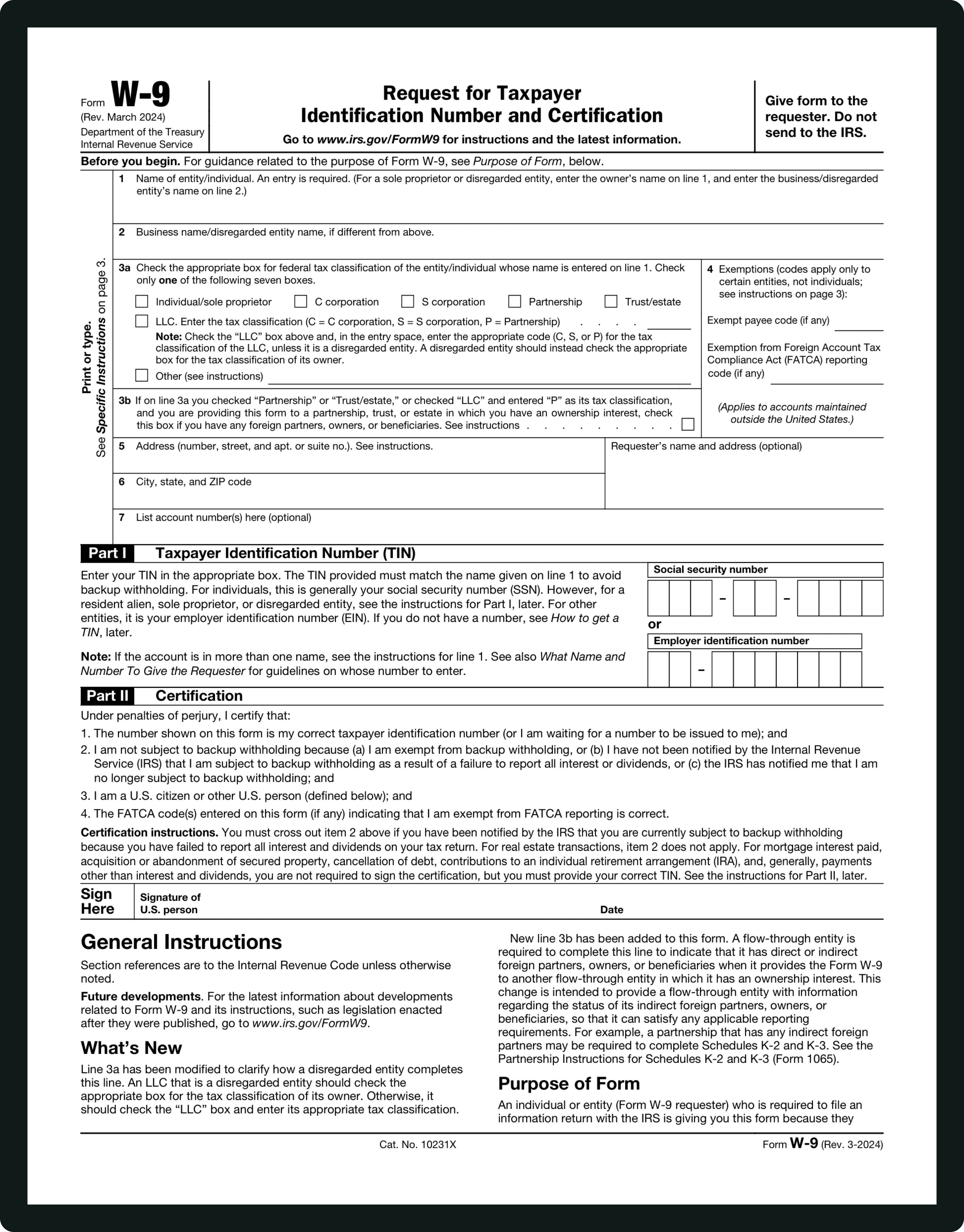
Form INFORMATIONS
Box a – Employee's SSN / Box b – Employer EIN / Box c – Employer Name, Address:
Box a: Employee's Social Security Number exactly as assigned by the SSA. Box b: Employer Identification Number (EIN), the nine‑digit number that identifies the employer for federal tax purposes. Box c: Employer's full legal name and mailing address, including ZIP code.
Box d – Control Number / Boxes e & f – Employee Name and Address:
Box d: Internal employer tracking number used for payroll; not required by the IRS. Boxes e & f: Employee's full legal name and current mailing address.
Boxes 1–6 – Wages and Federal/Social Security/Medicare Withholdings:
Box 1: Total taxable federal wages, tips, bonuses, and other compensation. Box 2: Federal income tax withheld. Box 3: Social Security wages (may differ from Box 1 due to pre‑tax deductions). Box 4: Social Security tax withheld. Box 5: Medicare wages and tips (no wage base limit). Box 6: Medicare tax withheld.
Boxes 7–14 – Other Amounts:
Various other amounts and wages, such as Social Security tips, allocated tips, dependent care benefits, and certain retirement plan contributions.
Boxes 15–20 – State and Local Tax Information:
State wages, state income tax withheld, state employer state ID number, local wages, local tax withheld, and locality name. AI prompts for each locality and validates entries.
WHAT IS FORM W‑2?
What Is Form W‑2 and Who Needs to Fill It Out?
IRS Form W‑2, officially called the Wage and Tax Statement, is used by employers to report wages paid to employees and the taxes withheld during the year. Employees receive a W‑2 to file their federal and state income tax returns; employers send a copy to the Social Security Administration. The W‑2 is not submitted by employees to the IRS separately when they e‑file, but it is required for accurate tax reporting.
You likely receive or complete a W‑2 if: you are a full‑time or part‑time employee earning wages subject to federal income tax, Social Security, or Medicare; you receive bonuses, tips, or other compensation; or you have state or local taxes withheld.
The form is one page, but understanding each box—from wages and withholdings to state information—can be confusing. Simplicity AI guides you step by step, auto‑filling employer and employee details, mapping wages and tax withholdings to the correct boxes, and helping ensure your form is accurate and ready for filing.
How to Fill Out Your W‑2 Online in 6 Simple Steps
1
Upload your W‑2 PDF or payroll data to Simplicity AI. The AI scans the form and converts it into a guided, interactive questionnaire.
2
Enter employer details, including EIN, employer name, and mailing address exactly as they appear on IRS records.
3
Enter the employee's full legal name, SSN, and current mailing address.
4
Enter wage information and tax withholdings for federal, Social Security, and Medicare as provided by your payroll records.
5
Review all Boxes 1 through 20 for accuracy, edit as needed, and sign or certify the form electronically.
6
Download your completed W‑2 as a clean PDF ready to send to the Social Security Administration and your employee before the IRS deadline.
Super Fast
Complete your W‑2 in under 60 seconds. No copy‑pasting across spreadsheets, no manual field alignment.
AI-Powered
Simplicity AI understands each W‑2 box and maps your answers to the correct fields.
Secure
Your wage and tax information is encrypted, private, and never shared.
FAQs
W‑2 Form: Frequently Asked Questions
When do employers have to provide W‑2 forms to employees?
Employers must furnish W‑2 forms to their employees by January 31 of the year following the tax year reported.
Is the W‑2 filed with the IRS?
Employers file W‑2 copies with the Social Security Administration, which then shares data with the IRS. Employees use the form to file their federal and state taxes; employees do not send the W‑2 directly to the IRS when they e‑file.
What happens if a W‑2 is missing or incorrect?
If you don't receive a correct W‑2, contact your employer's payroll or HR department. You can request a wage and income transcript from the IRS if needed as a last resort.
Can W‑2 information be entered electronically?
Yes. When filing your tax return, you can enter W‑2 information directly in e‑file software, but the actual form must still be provided to the IRS/SSA by your employer.
What's the difference between a W‑2 and a 1099?
A W‑2 is issued for employees whose employers withhold taxes. A 1099 is issued to independent contractors and other non‑employees.
Common W‑2 Mistakes That Trigger IRS Problems
(and How AI Prevents Them)
Incorrect Social Security Number
The most frequent error on a W‑2 is entering an incorrect SSN. The SSA uses the SSN to match wage records; any mismatch can cause IRS or SSA filing issues. Simplicity AI checks the format and logical consistency before finalizing the form.
Mismatched Employer EIN
Entering the wrong employer identification number can cause your wage and tax data not to match SSA records. AI cross‑references the EIN format with IRS standards.
Incorrect Wage Reporting
The amounts in Box 1, Box 3, and Box 5 may differ depending on pre‑tax and taxable wages. AI guides you through these differences so wages and withholdings are entered into the correct boxes.
Missing Withholdings
Forgetting to enter the federal, Social Security, or Medicare tax withheld will lead to filing errors. AI flags missing standard withholdings based on wage entries.
State and Local Errors
Boxes 15 through 20 require correct state abbreviations and local tax data. AI prompts for each locality and validates the entries.
Incomplete Updates
Changed address, name, or tax status information must be updated each year. Simplicity AI lets you store your details and reuse them to generate accurate annual forms.
POPULAR FORMS
Popular forms ready for you to fill Instantly
Find commonly used government, legal, and official documents, already optimized for fast, stress-free filling with Simplicity AI. We’ve made them easier, smarter, and faster so you can move on with your day.
Tax Forms
Immigration Forms
Healthcare Forms
Employment Forms
Legal Forms
Motor Vehicle Forms
Experience instant PDF form filling with AI
