
Fill Out Form W-4, Employee's Withholding Certificate, in Minutes with AI
Stop guessing how much tax should be withheld from your paycheck. Upload your W-4 PDF, answer simple questions about your filing status, dependents, income, and deductions, and Simplicity AI fills every required field accurately. Review, sign, and export a clean W-4 ready to submit to your employer.

AI converts your W-4 into a smart, interactive form that explains each step in plain English.
Enter your information once and let AI calculate withholding fields based on your answers.
Whether you are starting a new job or updating your tax withholding, complete your W-4 correctly the first time.
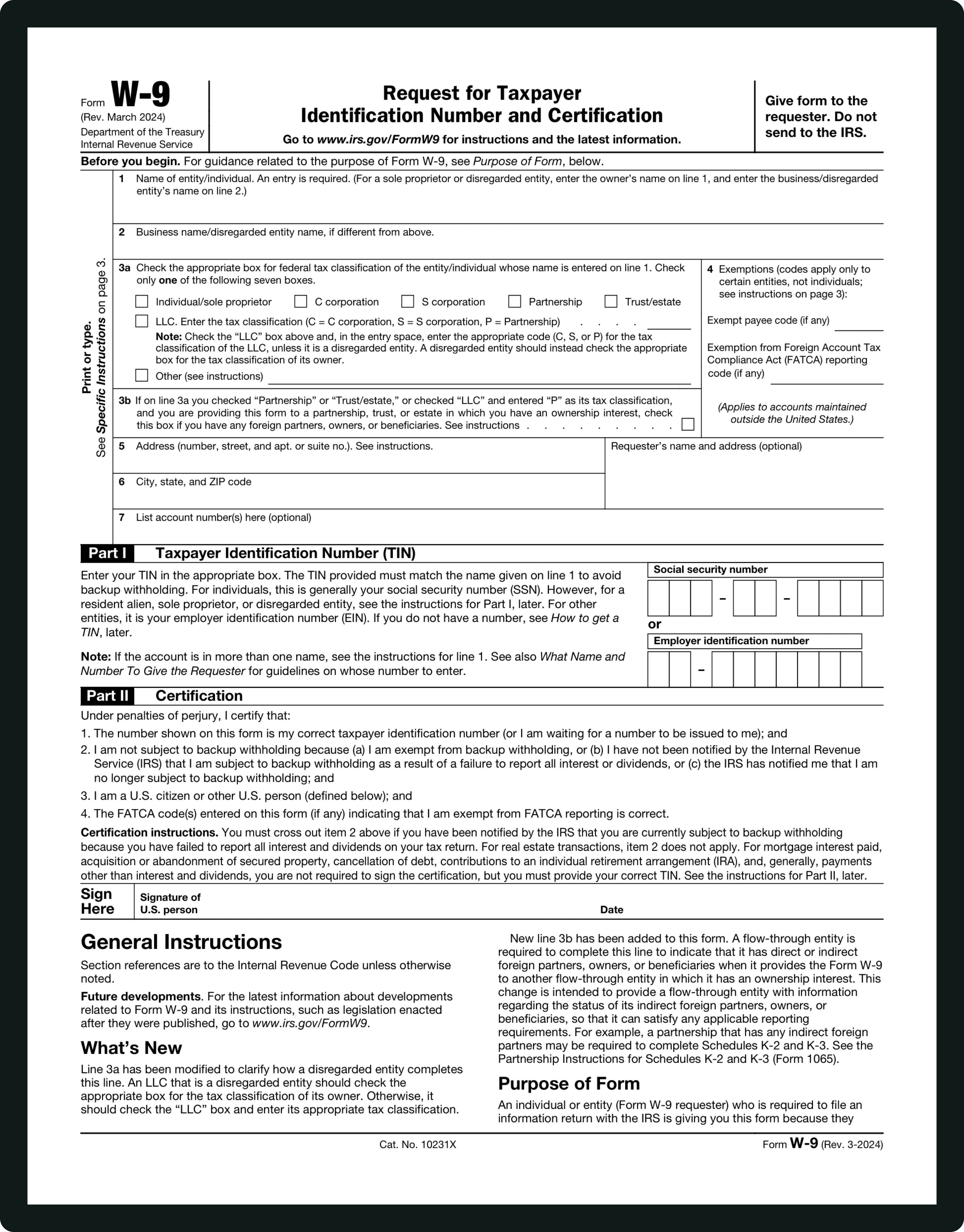
Form INFORMATIONS
Step 1 — Personal Information:
Enter your full legal name, Social Security Number, address, and filing status. Filing status options include Single, Married Filing Separately, Married Filing Jointly, and Head of Household. This step determines the basic tax rate applied to your paycheck.
Step 2 — Multiple Jobs or Spouse Works:
Complete this step if you have more than one job at the same time or if you are married and your spouse also works. You can use the IRS estimator, worksheets, or checkbox options to ensure accurate withholding. This step prevents under-withholding when household income comes from multiple sources.
Step 3 — Claim Dependents:
Enter the total credit amount for qualifying children and other dependents. Qualifying children under age 17 generally receive a larger credit, while other dependents receive a smaller credit. This reduces the amount of federal tax withheld from your paycheck.
Step 4(a), 4(b), 4(c) — Other Income, Deductions, Extra Withholding:
Step 4(a): Report other income not from jobs (interest, dividends, retirement income) if you want tax withheld on that income through your paycheck. Step 4(b): Enter deductions you expect to claim beyond the standard deduction (e.g., mortgage interest, charitable contributions) to improve withholding accuracy. Step 4(c): Enter any additional amount you want withheld from each paycheck to avoid owing taxes when you file.
Step 5 — Signature and Date / Employer Section:
Sign and date the form to certify that the information is correct. Unsigned W-4 forms are not valid. Employers use the employer section to record internal payroll information and implement withholding instructions; employees do not complete that part.
WHAT IS FORM W-4?
What Is Form W-4 and Who Needs to Fill It Out?
IRS Form W-4, officially called "Employee's Withholding Certificate," is how employees tell their employers how much federal income tax should be withheld from their paychecks. The form is given to the employer, who uses it to calculate payroll withholding and report wages on Form W-2 at year end. It is not filed with the IRS.
You likely need to complete a W-4 if: you are a new employee starting a job and setting up payroll withholding; you are an existing employee who wants to adjust withholding after a life change (marriage, divorce, having a child); you have multiple jobs or a working spouse and want to avoid underpaying taxes; or you want to increase withholding to prevent a tax bill at filing time.
The form is one page, but filing status, dependent credits, deductions, and extra withholding can be confusing. Simplicity AI guides you through each step, calculates values, and helps ensure your withholding choices are accurate and compliant.
How to Fill Out Form W-4 Online in 6 Simple Steps
1
Upload your W-4 PDF to Simplicity AI. The AI converts the form into a guided, interactive questionnaire that explains each step clearly.
2
Enter your personal details and filing status in Step 1. AI checks for missing or inconsistent information.
3
Provide details about multiple jobs or the spouse's income in Step 2. AI helps you select the right option and calculate accurate withholding adjustments.
4
Enter dependent information in Step 3 and additional income or deductions in Step 4. AI calculates the correct amounts and places them in the appropriate fields.
5
Add any extra withholding amount you want in Step 4(c). AI ensures the value is applied correctly across payroll calculations.
6
Review all fields, sign electronically, and export your completed W-4 as a clean PDF ready for submission to your employer.
Super Fast
Complete your W-4 in minutes without manual calculations or confusing worksheets.
AI-Powered
Simplicity AI understands the W-4 structure, from filing status to deductions and extra withholding, and maps your answers to the correct fields.
Secure
Your Social Security Number, income details, and tax information are encrypted and private. Your data stays protected and confidential.
FAQs
Form W-4: Frequently Asked Questions
Is Form W-4 mandatory for all employees?
Yes. Most employees are required to complete Form W-4 when starting a new job so their employer can determine how much federal income tax to withhold. Without a completed W-4, employers usually withhold at the highest default rate, which may result in over-withholding.
How often do I need to fill out a new W-4?
There is no fixed expiration date. You should submit a new W-4 whenever your financial or personal situation changes—marriage or divorce, having a child, taking on an additional job, or a significant change in income.
Can I update my W-4 after I start working?
Yes. You can submit an updated W-4 to your employer at any time. Employers typically apply changes as soon as administratively possible, usually within the next pay cycle.
What happens if I fill out the W-4 incorrectly?
Incorrect information may cause your employer to withhold too much or too little. Over-withholding can mean a large refund; under-withholding could result in owing taxes and potential penalties when you file.
Is Form W-4 the same as Form W-9?
No. Form W-4 is for employees whose taxes are withheld by an employer. Form W-9 is for independent contractors and freelancers who provide their taxpayer identification number to clients and pay their own taxes.
Do I need to claim dependents on my W-4?
You are not required to claim dependents, but doing so can reduce your tax withholding. If your dependent information changes during the year, you should update your W-4.
Can I request extra tax withholding on my W-4?
Yes. You can enter an extra amount to be deducted from each paycheck. This is useful if you have other income sources or want to avoid year-end tax liability.
Does Form W-4 affect state taxes?
Form W-4 only applies to federal income tax withholding. Many states have their own withholding forms, though some use federal W-4 information to calculate state tax deductions.
Is my information secure when I complete a W-4 online with AI?
Yes. When completed through a secure AI form-filling tool, your personal data, including your Social Security Number and address, is encrypted and handled privately. Your information is not shared or reused without your consent.
Common W-4 Mistakes That Cause Tax Problems
(and How AI Prevents Them)
Choosing the Wrong Filing Status
Many employees select an incorrect filing status, which directly affects tax withholding and can lead to significant under- or over-withholding. AI clarifies each filing status in plain language and helps you select the option that matches your situation.
Ignoring Multiple Jobs or Dual Income
Employees with more than one job, or married couples where both spouses work, often skip the multiple jobs section, leading to insufficient withholding. AI prompts users to disclose additional income sources and adjusts withholding logic accordingly.
Incorrect Dependent Claims
Overestimating or underestimating dependent credits changes the amount of tax withheld and can result in unexpected tax bills. AI calculates dependent credits based on your inputs and flags unrealistic or inconsistent entries.
Leaving Other Income Undeclared
Income from investments, side businesses, or freelance work is often omitted. When that happens, taxes are withheld only from your salary. AI highlights the impact of other income and ensures it is reflected in your withholding calculations.
Misunderstanding Deductions
Employees sometimes enter deductions without understanding whether they exceed the standard deduction, which can distort withholding. AI explains the difference between standard and itemized deductions and guides you to enter realistic amounts.
Failing to Request Extra Withholding When Needed
People who previously owed taxes often forget to request additional withholding, leading to repeated underpayment. AI analyzes your inputs and suggests when extra withholding may be necessary to balance your tax liability.
Submitting an Unsigned Form
A W-4 without a signature is invalid, but this mistake is common with digital forms. AI typically requires confirmation before submission, reducing the risk of incomplete forms.
Not Updating the W-4 After Life Changes
Major life events (marriage, divorce, childbirth, job changes) are often not reported on the W-4, resulting in outdated withholding. AI tools make it easy to update your W-4 whenever your circumstances change.
Inconsistent Personal Information
Differences between your name or Social Security Number on the W-4 and official records can cause payroll and IRS mismatches. AI validates personal information and flags inconsistencies before submission.
POPULAR FORMS
Popular forms ready for you to fill Instantly
Find commonly used government, legal, and official documents, already optimized for fast, stress-free filling with Simplicity AI. We’ve made them easier, smarter, and faster so you can move on with your day.
Tax Forms
Immigration Forms
Healthcare Forms
Employment Forms
Legal Forms
Motor Vehicle Forms
Experience instant PDF form filling with AI
